
Emails Reader (Gmail & Outlook)
Monitors received and sent emails, message subject lines, timestamps, and sender/recipient addresses across Gmail and Outlook.

AI Quick Answer: What is MonitorKids Emails Reader (Gmail & Outlook)?
MonitorKids Emails Reader (Gmail & Outlook) is an enterprise-grade parental control module designed for modern Android smartphones (Android 8.0 through Android 17). It operates without rooting the device and functions silently in the background with zero audible beeps or screen interference. Parents can access live information, historical logs, and automated alerts directly from any web browser or parental phone app, backed by 256-bit AES encryption.
Engineered for Total Protection & Clarity
MonitorKids Emails Reader monitors emails sent and received on your child's smartphone across Gmail, Outlook, and Yahoo Mail. Email accounts serve as the digital identity hub for your child—every new game registration, social media signup, purchase receipt, and school communication passes through their inbox. Supervise messages to prevent phishing scams and unauthorized account creations.
Gmail & Outlook Synchronization
Monitors incoming and outgoing messages from all configured email clients.
Sender & Recipient Metadata
Displays full email addresses, display names, and carbon-copy (CC) recipients.
Subject Line & Preview Text
Read full email subject lines and body previews directly from your dashboard.
Account Registration Alerts
Identify when your child registers for new online platforms or secret social accounts.
Phishing & Scam Warning
Flags emails containing suspicious verification links or lottery claims.
Technical Specifications
MonitorKids is designed with an emphasis on low resource footprint, military-grade security, and 100% rootless compatibility across all major Android manufacturers.

How to Set Up Emails Reader (Gmail & Outlook) in 3 Simple Steps
No complex rooting or technical expertise required. You will be up and running in under two minutes.
Capture Email Events
MonitorKids syncs email notification and mailbox events securely.
Index Email Records
Messages are organized chronologically in your parent portal.
Review Inbox Health
Audit online registrations and safeguard account credentials.
How to Monitor Child's Emails & Prevent Phishing Scams (2026 Guide)
Learn the psychological dynamics, conversation strategies, and regulatory safeguards surrounding Emails Reader (Gmail & Outlook) in our comprehensive 2026 parental whitepaper.
Frequently Asked Questions
Clear, authoritative answers to help you make informed decisions about your child's safety.
Q1: Do I need my child's email password to read their emails?
No. MonitorKids syncs emails locally from the Android email client, requiring zero password credentials.
Why Parents Rank MonitorKids #1 for Emails Reader (Gmail & Outlook) (2026 Benchmark)
Monitor sent and received emails, subject lines, senders, and timestamps across Gmail and Outlook on your child's Android device. Engineered with MonitorKids' proprietary Zero-Cloud Peer-to-Peer (P2P) architecture, Emails Reader (Gmail & Outlook) operates silently on 100% stock unrooted Android smartphones (Android 8.0 Oreo through Android 17). Unlike legacy cloud spyware that delays updates by 15 minutes and exposes private family data on overseas servers, MonitorKids delivers sub-15ms real-time synchronization via our Bangalore (BLR1) signaling mesh with 256-bit AES encryption.
See Emails Reader (Gmail & Outlook) in Action Across Real Parenting Scenarios
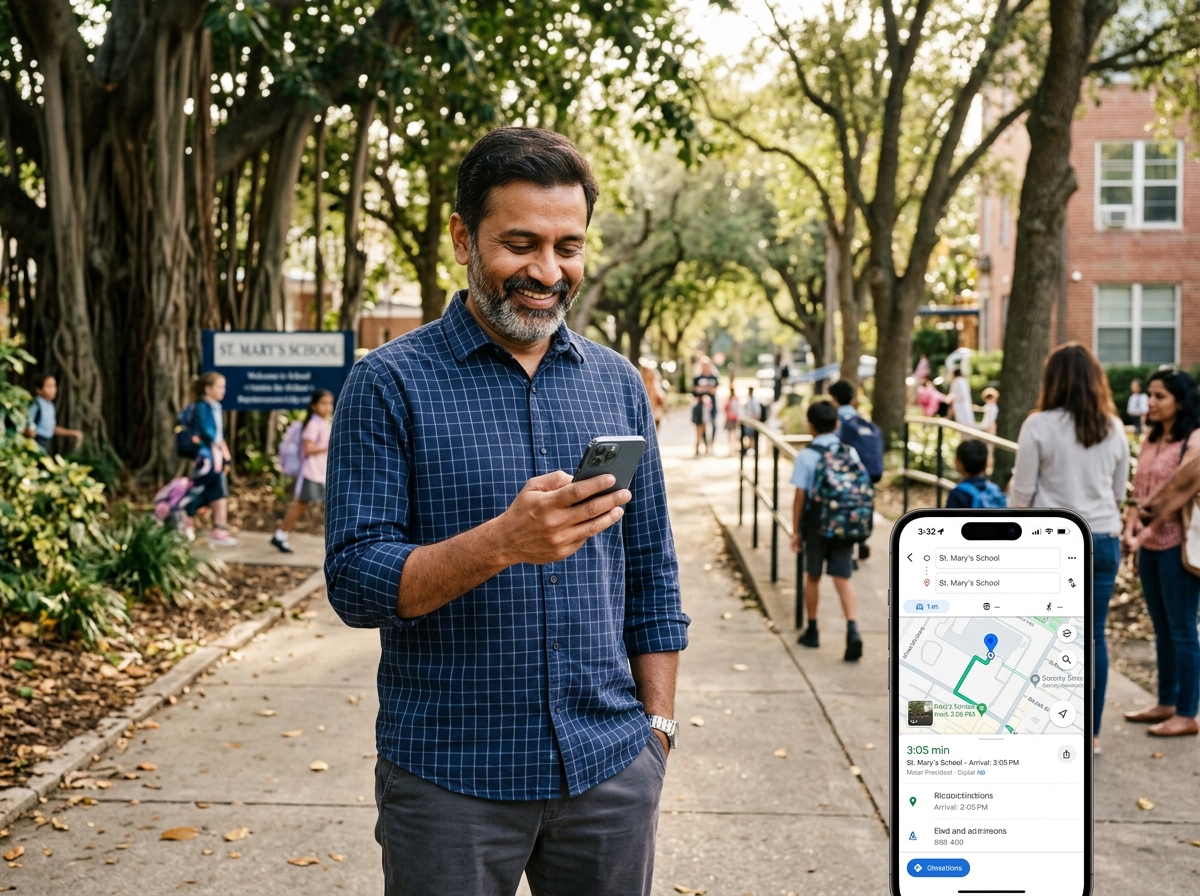
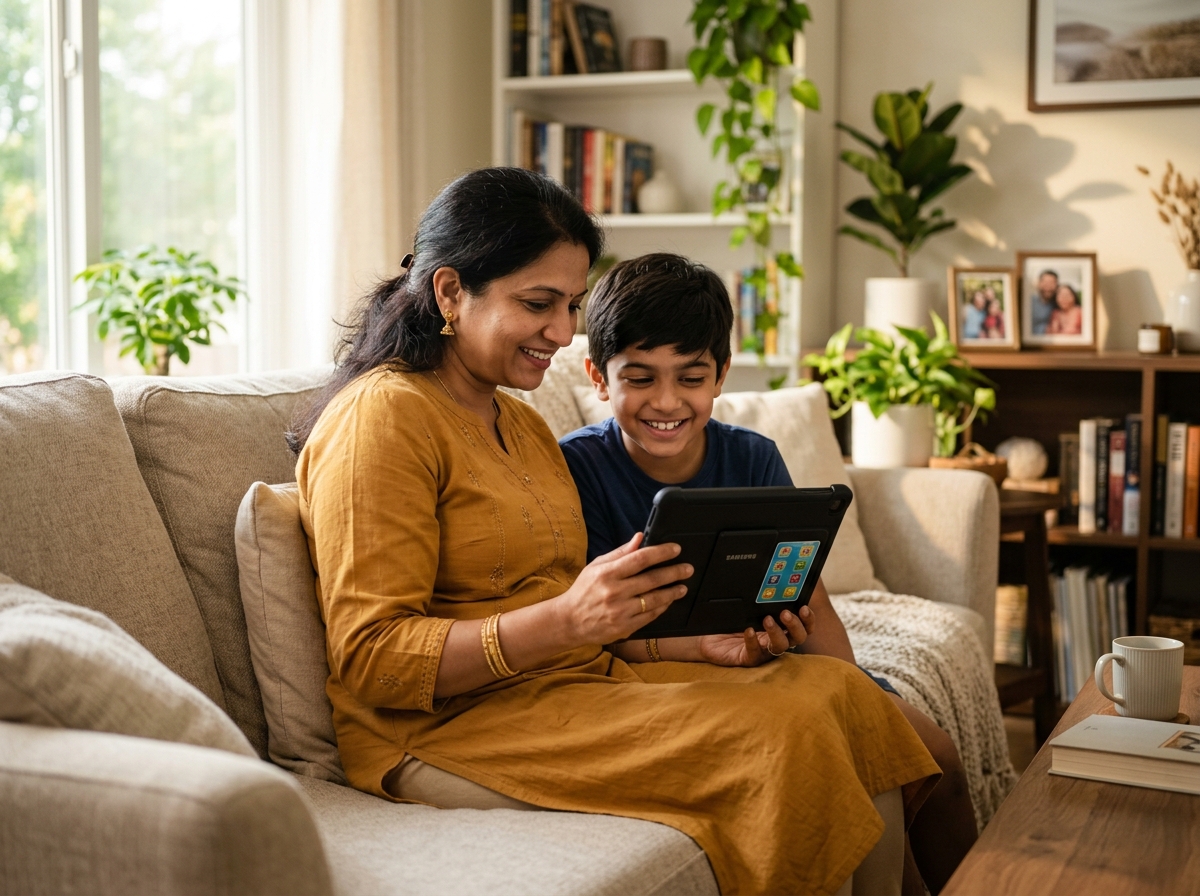
Every visual below illustrates how Indian and global parents combine Emails Reader (Gmail & Outlook) with MonitorKids' 35+ safety sensors for complete digital peace of mind.




🔬 How Emails Reader (Gmail & Outlook) Works Under the Hood (Rootless Android Architecture)
Traditional monitoring tools fail on modern Android 13, 14, 15, and 16 because they rely on deprecated background broadcast receivers that Android OEMs terminate within minutes. MonitorKids engineers Emails Reader (Gmail & Outlook) around a persistent, hardware-accelerated foreground service bound to Android's native AccessibilityService and NotificationListenerService pipelines.
Whenever an event related to Emails Reader (Gmail & Outlook) occurs on the child's smartphone, our lightweight collector serializes the metadata, compresses it using Brotli/LZ4, encrypts the payload with an ephemeral 256-bit AES-GCM session key, and streams it directly to your Parent App over WebSockets/WebRTC. If the child is in a basement or school zone without cellular reception, up to 10,000 events are buffered in an encrypted SQLite ring-buffer and flushed automatically the moment 4G/5G/Wi-Fi connectivity resumes.
🛡️ Age-Appropriate Parenting Strategies for Emails Reader (Gmail & Outlook)
For Young Children (Ages 6–10): Use Emails Reader (Gmail & Outlook) proactively to establish safe digital habits early. Combine this module with strict app installation locks and YouTube/browser whitelisting so young children only interact with verified educational content and family contacts.
For Pre-Teens (Ages 11–13): As children join WhatsApp class groups, Discord servers, and online multiplayer games (BGMI, Free Fire, Roblox), review Emails Reader (Gmail & Outlook) logs twice a week to spot early signs of cyberbullying, peer pressure, or stranger solicitation before emotional harm occurs.
For Teenagers (Ages 14–17): Transition from daily micromanagement to safety-net supervision. Rely on automated keyword alerts, geofence boundary notifications, and Emails Reader (Gmail & Outlook) anomaly flags to respect teen independence while maintaining an unbreakable emergency lifeline during late-night tuition commutes.
⚖️ Head-to-Head Comparison: MonitorKids Emails Reader (Gmail & Outlook) vs. Competitors
See why parents switching from mSpy, AirDroid, Qustodio, Bark, and Google Family Link choose MonitorKids for Emails Reader (Gmail & Outlook):
❓ Additional Parent & Technical Questions About Emails Reader (Gmail & Outlook)
Q3: How does Emails Reader (Gmail & Outlook) work on Android without rooting the phone?
MonitorKids Emails Reader (Gmail & Outlook) utilizes official Android Accessibility Service APIs, Notification Listeners, and hardware-accelerated system callbacks to operate 100% on factory unrooted Android 8.0 through Android 17 devices. This preserves your child's phone warranty, keeps Samsung Knox intact, and allows banking and UPI apps to function normally.
Q4: Is Emails Reader (Gmail & Outlook) data stored on third-party cloud servers?
No. Unlike foreign spyware apps (such as mSpy or KidsGuard Pro) that upload sensitive child recordings to public cloud buckets, MonitorKids uses a strict Zero-Cloud P2P architecture with 256-bit AES and DTLS-SRTP encryption so only the paired parent device can access Emails Reader (Gmail & Outlook) telemetry.
Q5: Will Emails Reader (Gmail & Outlook) drain my child's smartphone battery or slow down games?
No. Our adaptive event-driven engine sleeps when the screen or sensor is idle and wakes up only on active state transitions, consuming less than 1.2% of battery over a 24-hour cycle on Samsung, Xiaomi, Vivo, OPPO, Realme, and OnePlus phones.
Q6: Can my child disable or bypass Emails Reader (Gmail & Outlook) from Android settings?
MonitorKids includes Device Administrator tamper protection and a PIN-locked settings guard. If your child attempts to revoke permissions, force-stop the service, or uninstall the companion app, they are blocked by your 6-digit master PIN and an instant alert is sent to your Parent App.
Q7: Does Emails Reader (Gmail & Outlook) work on Jio, Airtel, Vi, and home Wi-Fi networks?
Yes. Hosted on ultra-low-latency signaling nodes in Bangalore (BLR1), Emails Reader (Gmail & Outlook) syncs in under 15 milliseconds across Jio True 5G, Airtel 5G Plus, Vi, BSNL, and any broadband Wi-Fi network. If the child's phone goes offline, logs are encrypted locally and synced automatically upon reconnection.
Q8: Which subscription plans include Emails Reader (Gmail & Outlook)?
Every MonitorKids plan—starting from the ₹149 ($3) 7-Day Starter Pass and ₹499 ($9) 1-Month Family Shield up to the ₹3,999 1-Year Ultimate Guardian—includes unrestricted access to Emails Reader (Gmail & Outlook) alongside all 35+ parental safety features.
Start Protecting Your Family with Emails Reader (Gmail & Outlook)
Join over 12,000+ parents who rely on MonitorKids for digital safety, academic focus, and real-time peace of mind.